
Download PHPfileNavigator – file manager, remote file management, web-based file manager, PHP file manager, server file management, open source file manager, remote access, file browser, web file manager, file system management
Overview
PHPfileNavigator is a web-based file management tool designed to provide remote access and control over server file systems through a standard web browser. Built using PHP, it functions as an open-source solution for users who require efficient and secure file and directory management without relying on traditional desktop clients. The application enables users to navigate, view, create, upload, and organize files and folders directly from a browser, making it ideal for developers, system administrators, and website maintainers managing remote servers.
Its primary purpose is to simplify the process of server-side file manipulation, reducing the need for command-line tools or complex FTP clients. By offering a clean interface and comprehensive file details, PHPfileNavigator helps users monitor disk usage, manage permissions, and perform routine maintenance tasks with minimal friction. The tool is especially valuable in environments where remote access is essential, such as shared hosting platforms, development servers, or cloud-based infrastructure.
Although the developer did not provide additional background on the origin or team behind PHPfileNavigator, its long-standing presence since 2012—indicated by the release date—suggests a stable and community-tested foundation. The application has remained relevant due to its open-source nature, allowing continuous improvements and adaptations by developers worldwide. Its use cases span from routine file backups and configuration edits to collaborative development workflows and server diagnostics.
As a lightweight, browser-accessible utility, PHPfileNavigator fills a niche in the productivity ecosystem by offering a no-install, no-configuration solution for managing file systems remotely. Its integration with web technologies ensures compatibility across multiple devices and operating systems, provided a browser is available.
Key Features & Functionality
PHPfileNavigator delivers a robust set of tools tailored for efficient server file management through a web interface. Each feature is designed to enhance usability, transparency, and control over remote file systems.
- User-Friendly Interface: The application presents a clean, intuitive layout that simplifies navigation for users of all experience levels. Whether managing a simple website or a complex server structure, the interface ensures that file and directory operations are accessible and straightforward.
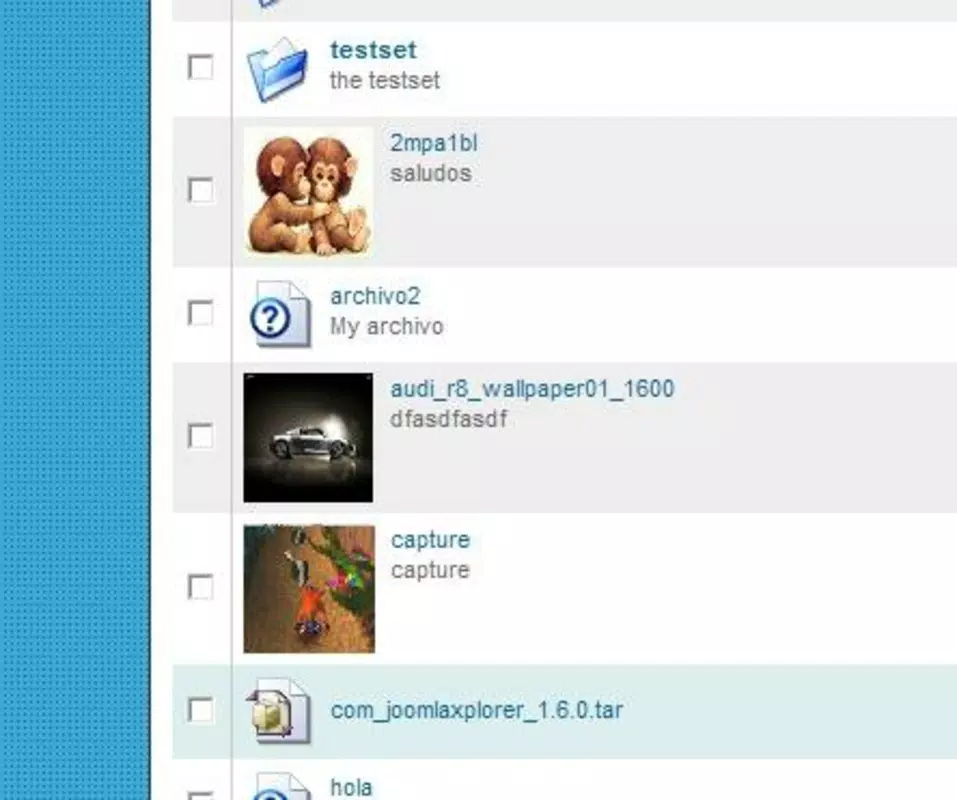
- Detailed File Information: Users can view comprehensive metadata for every file and folder, including size, creation date, modification timestamp, and permission settings. This transparency supports informed decisions during file transfers, backups, or security audits.
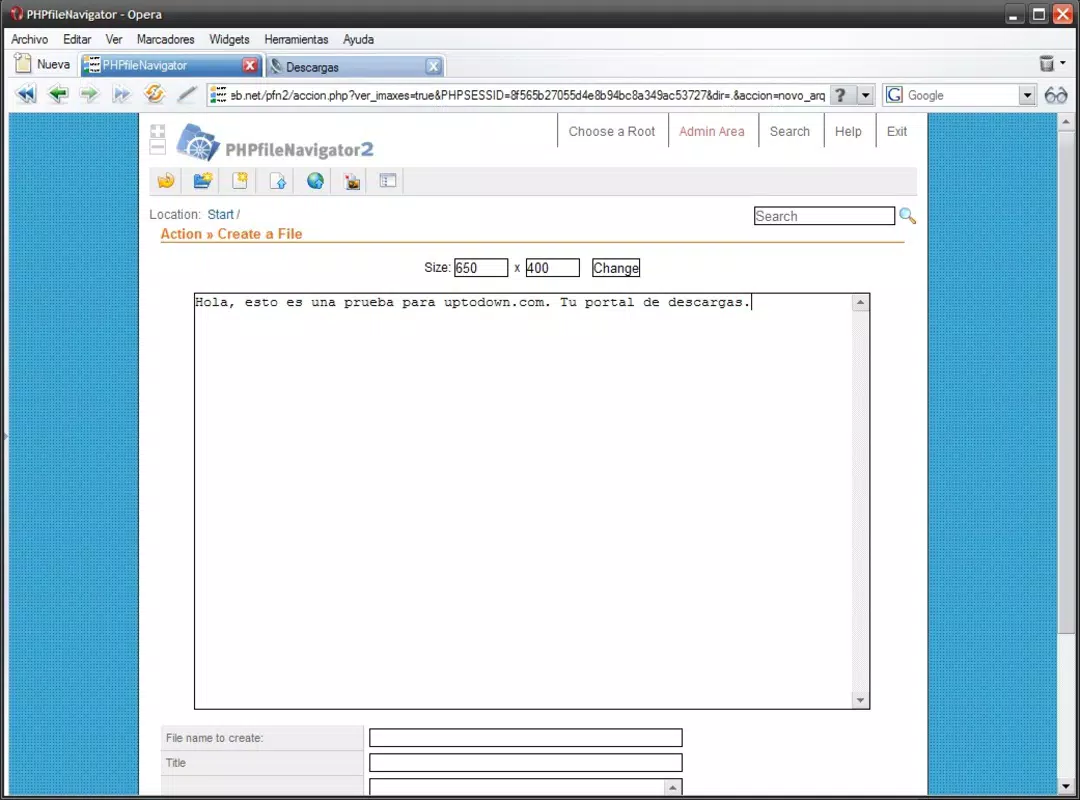
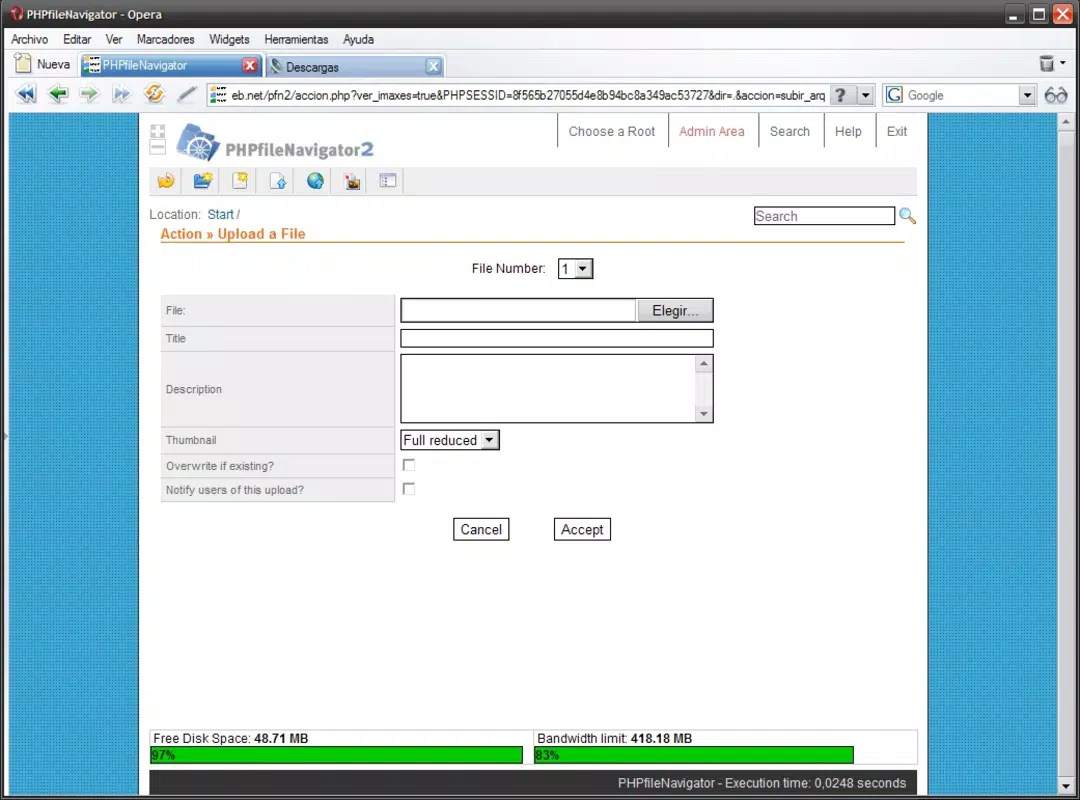
- Comprehensive Toolbar Options: A fully functional toolbar enables users to refresh the current view, create new files and directories, upload files from local devices, and input URLs for direct remote file downloads. This functionality streamlines common tasks without requiring external tools.
- Disk Space Visualization: At the bottom of the interface, a graphical representation displays available and used disk space. This visual cue helps users monitor storage limits and avoid unexpected outages due to full storage.
- Open Source Flexibility: As an open-source project, PHPfileNavigator allows developers to inspect, modify, and extend its codebase. This level of transparency fosters trust and enables customization for specific workflows or integration with other systems.
For example, a developer can use the URL upload feature to pull a new library directly from a GitHub repository without downloading it locally first. A website administrator might use the permission viewer to verify file access rights across a site’s directory structure. These real-world applications demonstrate the tool’s adaptability and practical value in daily operations.
Interface, UX & Performance
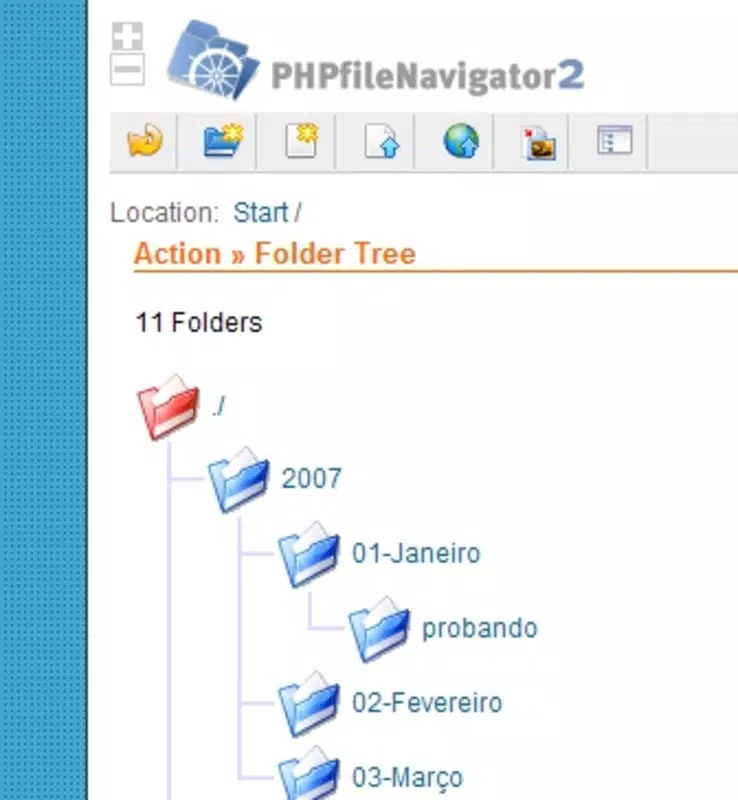
PHPfileNavigator’s interface is designed with clarity and functionality in mind. The layout is minimalistic, focusing on essential elements such as file listings, navigation breadcrumbs, and the toolbar at the top. The visual hierarchy emphasizes readability, with consistent spacing, clear icons, and legible text, contributing to a smooth user experience.
Navigating through directories is intuitive, with clickable paths and a responsive layout that adjusts to different screen sizes. The application does not rely on heavy animations or complex interactions, which enhances its performance across a wide range of devices, from desktops to tablets. Although the developer did not list formal performance metrics, the lightweight nature of the tool—2.3 MB in size—suggests efficient resource usage and fast loading times.
Responsiveness is a key strength. Actions such as file uploads, directory creation, and refreshes are processed promptly, with immediate feedback provided to the user. Stability appears to be well-maintained, given the application’s long-term availability since 2012. However, the developer did not specify compatibility with older or low-end devices, nor did they provide details on browser-specific optimizations.
While the interface is straightforward, users may need to ensure their browser supports modern web standards to avoid rendering issues. Overall, the UX is consistent with expectations for a lightweight, functional web utility, prioritizing speed and reliability over flashy design elements.
Platform Compatibility & Technical Requirements
PHPfileNavigator operates as a web-based application, accessible through any modern web browser. It does not require installation on a device, making it compatible with various platforms, including Android, iOS, Windows, macOS, and Linux, as long as a browser is available. This cross-platform accessibility is one of its core advantages, allowing users to manage server files from virtually any device.
The application runs on a server environment that supports PHP, meaning it must be deployed on a web server with PHP enabled. The specific PHP version or server configuration requirements were not listed by the developer. Similarly, no minimum OS or browser version was provided.
The file size of the application is 2.3 MB, which is relatively small and indicates a lean codebase with minimal dependencies. This contributes to quick deployment and efficient operation. However, the developer did not specify whether the application supports HTTPS, authentication mechanisms, or firewall configurations, which are critical for secure remote access in production environments.
Users should ensure their server environment meets the necessary PHP and web server prerequisites before deployment. Without formal documentation on system requirements, deployment may require technical familiarity with web server management.
Pros and Cons
Pros
- Free and open-source, allowing full access to the codebase.
- Web-based access enables use from any device with a browser.
- Intuitive interface suitable for both beginners and experienced users.
- Comprehensive file metadata and disk space visualization.
- Supports direct URL-based file uploads and batch operations.
- Lightweight design with minimal resource consumption.
Cons
- Specific server and PHP requirements were not disclosed.
- Developer did not provide details on authentication or security protocols.
- No official mobile app; access is limited to browser-based interaction.
- Limited documentation on deployment and configuration.
- Compatibility with older browsers or low-end devices was not confirmed.
FAQ
Is PHPfileNavigator free to use?
Yes, PHPfileNavigator is completely free and open-source. There are no licensing fees or subscription costs associated with its use.
Can I use PHPfileNavigator on mobile devices?
Yes, since it is a web-based application, you can access PHPfileNavigator from any mobile device with a modern web browser. However, it is not available as a native mobile app.
Do I need to install anything on my device?
No, PHPfileNavigator does not require installation on your device. You only need access to a web browser and a server where the application is deployed.
Is PHPfileNavigator secure?
Security depends on how the application is deployed. While the tool itself is open-source and transparent, the developer did not specify built-in authentication or encryption features. Users should implement secure deployment practices, such as HTTPS and access controls, to protect data.
How do I update PHPfileNavigator?
Updates are available through the official repository. Since it is open-source, users can download the latest version and replace the existing files on their server. The developer did not specify a regular update schedule.
Final Thoughts
PHPfileNavigator stands out as a reliable, lightweight, and flexible solution for remote file management via a web browser. Its clean interface, detailed file insights, and open-source foundation make it a valuable tool for developers and system administrators who need quick, secure access to server files without the overhead of desktop clients.
While it lacks formal documentation on technical requirements and security protocols, its long-standing presence and community-driven development suggest a level of trustworthiness. The ability to manage files remotely, visualize disk usage, and upload files directly from URLs enhances productivity in both personal and professional workflows.
For users seeking a free, browser-accessible file manager with strong customization potential, PHPfileNavigator delivers consistent value. Its simplicity, combined with powerful functionality, makes it a compelling choice for server-side file operations.
Download PHPfileNavigator now


